
Description
PURPOSE
This package is a brand-neutral business operating system. It is designed so a business owner,
consultant, freelancer, agency, coach, creator, service company, or small/medium business can
download it, copy it to their computer, rename/customize it, and recreate the full system.
IMPORTANT
– Replace “YOUR BUSINESS / BRAND” with your own business name.
– Replace sample business context, metrics, targets, owners and examples with real information.
– Do not treat example numbers as real business results.
– The package is a framework/toolkit, not a plug-and-play application that automatically connects
to every computer, CRM, email system or accounting system.
MODULES
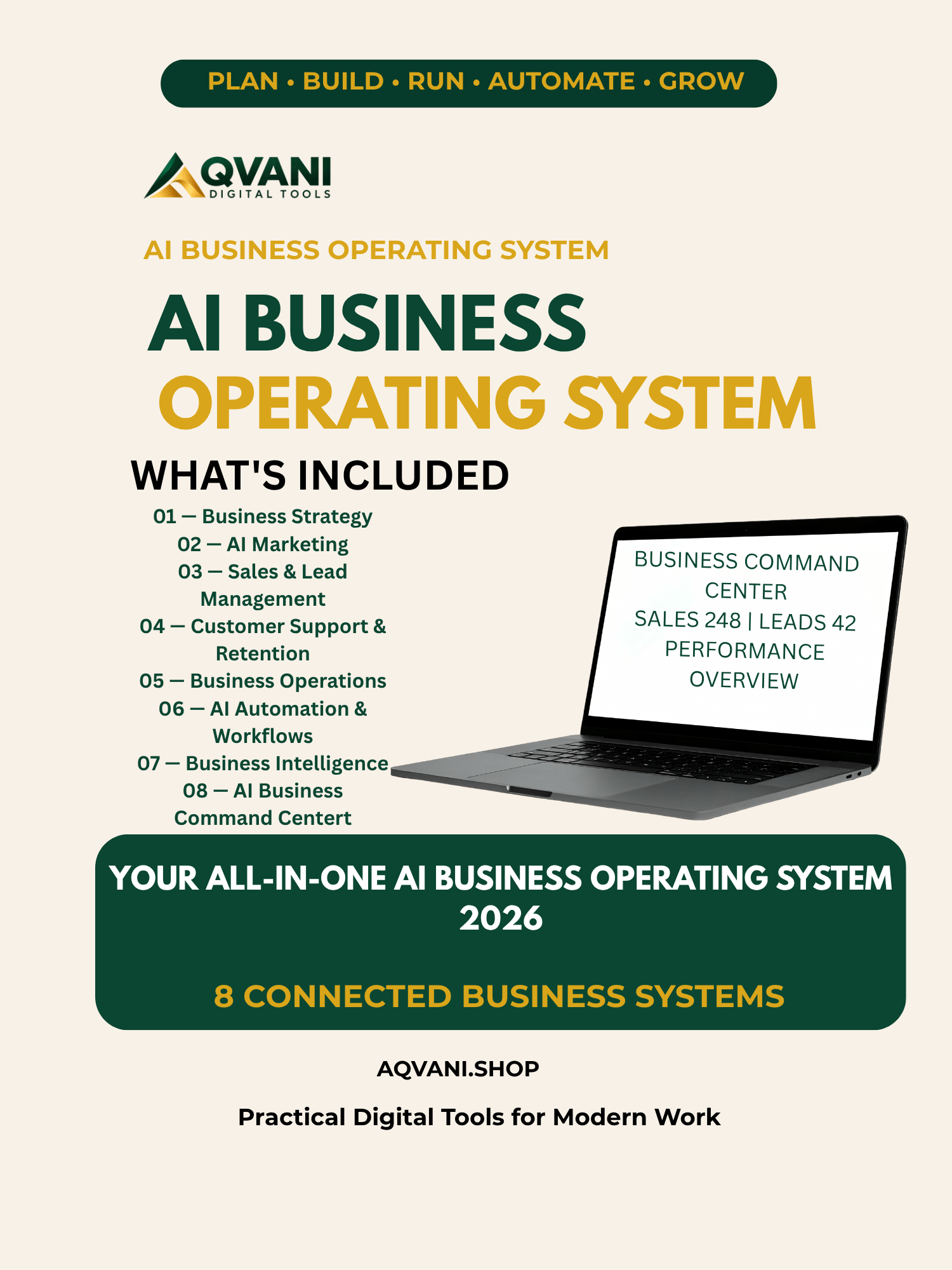
01 Business Strategy
02 AI Marketing
03 Sales & Lead Management
04 Customer Support & Retention
05 Business Operations
06 AI Automation & Workflows
07 Business Intelligence & Executive Dashboard
08 AI Business Command Center
CORE FLOW
Strategy → Marketing → Sales → Support → Operations → Automation → BI → Command Center
EXECUTIVE LOOP
Data → Insight → Priority → Decision → Action → Owner → Follow-up → Outcome → Learning
QUICK INSTALL / RECREATE
1. Extract this ZIP into a folder on your computer.
2. Open the module README/start-here file.
3. Complete Module 01 Business Context first.
4. Populate the Excel workbooks with your own data.
5. Use the PDF playbooks as operating procedures and implementation guides.
6. Use the prompt libraries with your preferred AI assistant.
7. Build or adapt the BI dashboard in Power BI, Excel, or another BI tool.
8. Configure the Command Center using your actual KPIs, alerts, decisions and action owners.
9. Review weekly and monthly; keep the system current.
AI ASSISTANT SETUP
You can use the prompt libraries with ChatGPT, Claude, Microsoft Copilot, Gemini, or another
capable AI assistant. For Claude Projects, upload the relevant reference files and add the
provided project instructions/custom context. For Power BI, use the dashboard/model guidance
to recreate the analytics layer.
NO AUTOMATIC CONNECTIONS
This universal package intentionally does not contain passwords, API keys, private credentials,
or hidden connections. Users must configure their own integrations and permissions.
WHITE-LABEL / CUSTOMIZATION
Recommended customizations:
– Business/brand name
– Logo and colors
– Industry terminology
– Products/services
– Customer personas
– KPIs and targets
– Workflow owners
– Approval rules
– Data sources
– AI assistant instructions
– Dashboard theme
DATA QUALITY RULE
AI outputs must distinguish verified facts, calculations, observations, hypotheses and decisions.
Use NEEDS_DATA or NEEDS_REVIEW when information is missing. Never invent customer statements,
financial results, testimonials, conversion rates, ROI, forecasts, or business outcomes.
SYSTEM MAP
Module 01 = direction
Module 02 = demand
Module 03 = revenue
Module 04 = customer experience
Module 05 = execution
Module 06 = automation
Module 07 = measurement
Module 08 = management and decisions
This is the Universal Edition: no branding
Reviews
There are no reviews yet.